
Which AirPods model do I have?
The first thing to figure out is whether your AirPods are Standard or Pro. It's very simple: all AirPods Pro have soft silicone ear tips that go into your ear, while the standard ones don't.
The AirPods Max are over-ear headphones, so they're easy to recognise.
You can have one of 3 models:
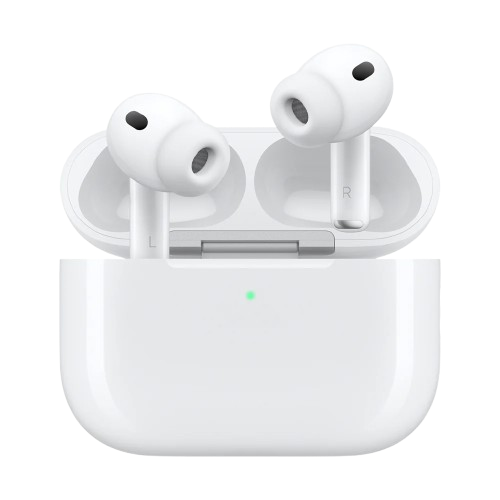
AirPods Pro 3
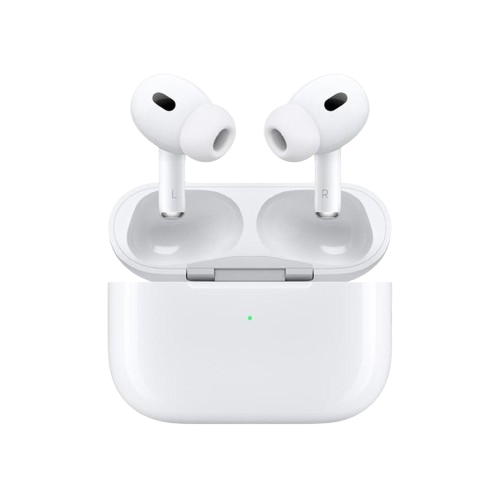
AirPods Pro 2

Most recent version, USB-C connector.

First version, Lightning connector.
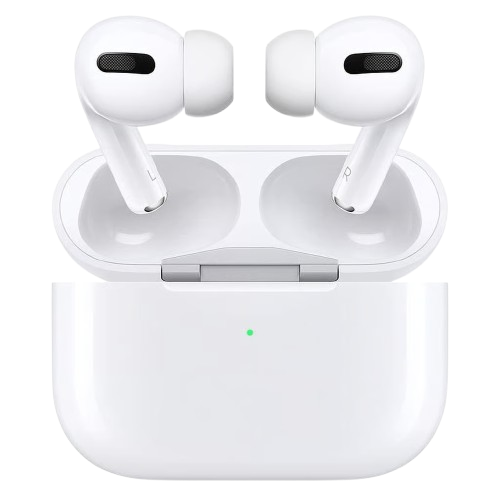
AirPods Pro 1
If you have a pair of standard AirPods, you can have one of the following models:
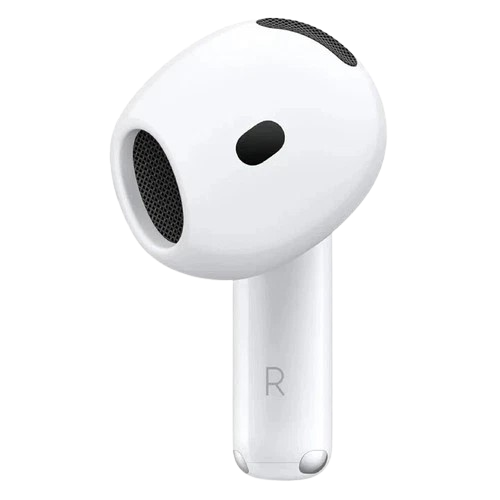
AirPods 4
They come in two versions:
- With ANC (noise cancellation)
- Standard, without noise cancellation
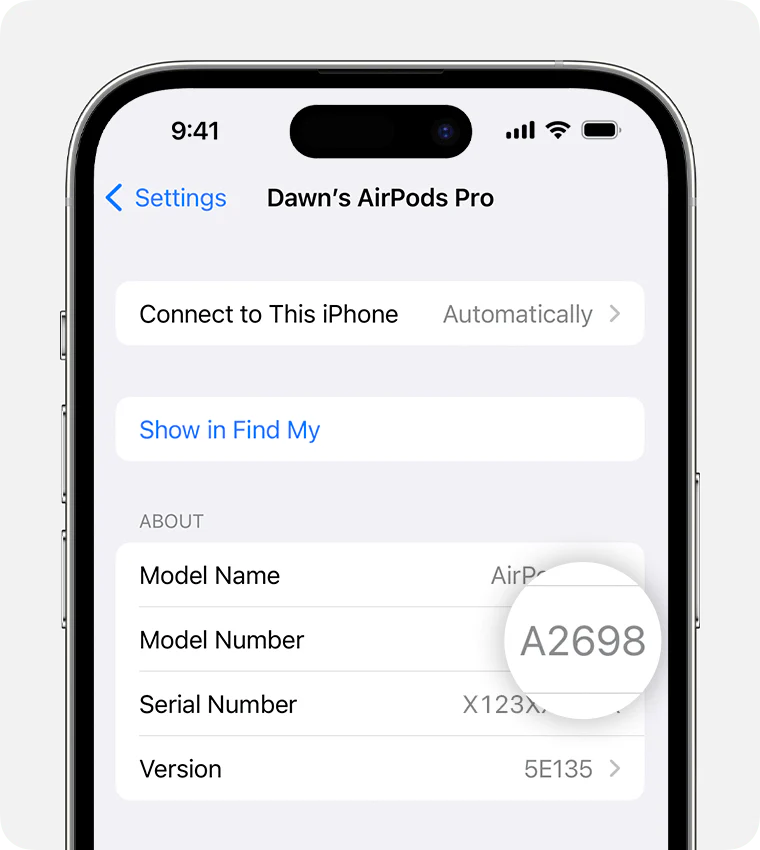
To find out which you have: Settings → Bluetooth → your AirPods and check whether there's an option to turn on ANC.

AirPods 3
Two case versions:
- With MagSafe charging (magnetic wireless)
- Without MagSafe
Both cases are compatible with the earbuds.
AirPods 2
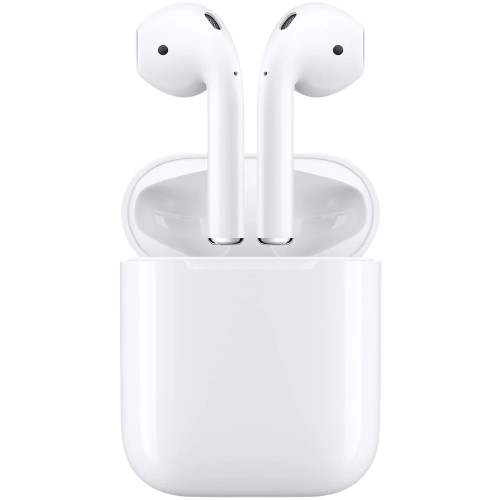
They look identical to the 2016 first-generation AirPods, which we no longer sell. The only way to tell them apart is Settings → Bluetooth → your AirPods and check the model number.
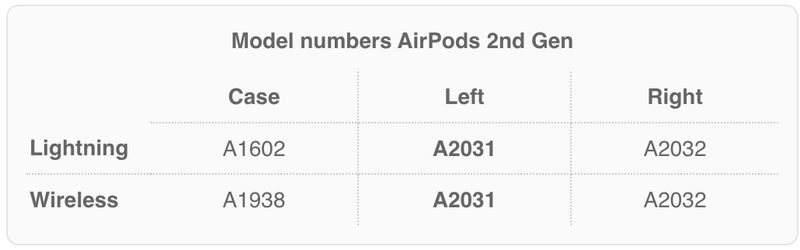
The AirPods 2 also have a case with Qi wireless charging: in this version the LED light is on the outside, not inside.

